
TopClass LMS Features
All-In-One LMS
.svg)


Imagine an LMS that your employees, association members, students, or nonprofit beneficiaries actually want to log into—one that feels as intuitive as Netflix and as responsive as their favorite social media app. With today's technology, the days of clunky, gray interfaces are behind us.
We are living through an era of transformational educational technology. In fact, the global learning management system (LMS) market is projected to reach $123 billion by 2030, driven by a wave of incredible innovations like AI-powered course recommendations and seamless mobile usability.
Whether you need to upskill your sales team or power your association's learning program, learning technology has finally caught up to the vision. Here's what we'll cover to help you select the best LMS platform for your organization:
By the end of this guide, you'll have everything you need to either upgrade your current LMS or invest in your very first system. If you're in the association or nonprofit space, we recommend our top-rated solution: TopClass. It offers the key functionality and scalability you need to train your association members, volunteers, or even beneficiaries. Either learn about our solution later or view a quick tour to get the lowdown on our platform.
With an idea of what to look for and which questions to ask, you're ready to start looking at specific platforms. Here are some of the best learning management systems on the market.

Best For: Associations, nonprofits, and unions that need to deliver continuing education, track member certifications, and drive non-dues revenue
TopClass is an award-winning, purpose-built platform that empowers associations, nonprofits, and unions to deliver transformative education. By seamlessly blending engaging learning experiences with deep database integrations, the platform provides the tools your organization needs to grow and thrive. Our LMS goes beyond basic course delivery to help you strategically manage complex certifications, build collaborative professional communities, and maximize non-dues revenue.
TopClass was recently recognized by Talented Learning as a Top 10 Professional Education LMS, reflecting our commitment to driving impact and greater learning outcomes. Ultimately, the platform serves as a complete solution for lifelong learning, helping you elevate your educational programs from an operational requirement into a core competitive advantage.
Top Features:
What Reviewers Say on G2: Reviewers consistently praise TopClass LMS for its exceptional course variety and seamless integrations with association management systems and CRMs. Users also highlight the platform's stability, ease of course setup, and its ability to help associations effectively market their continuing education programs to drive non-dues revenue.
Pricing: Pricing is based on the number of active learners in your system and the functionality you need. Beyond software and support, you can customize your implementation package to include integrations, certification module consulting, and more to fit your needs and budget.

Best For: Traditional universities that need deep, complex grading structures and plagiarism detection
Blackboard Learn is a legacy heavyweight in higher education, designed to meet the rigorous academic demands of college campuses. While it may feel overly complex for fast-paced corporate and nonprofit training, it excels in academic environments by offering deep grading rubrics, advanced assessment controls, and native plagiarism detection. Overall, this LMS platform gives faculty and administrators the infrastructure required to uphold academic integrity and scale complex degree programs.
Top Features:
What Reviewers Say: While G2 reviewers appreciate Blackboard Learn for its comprehensive features and ability to centralize course materials, many note that the platform's interface can feel clunky and requires a steep learning curve.
Best For: K-12 districts and colleges wanting high user adoption (it has the highest-rated mobile app for students)
Canvas LMS, the flagship product of the Instructure Learning Platform, is a modern learning management system that has become a dominant force in education. Known for its clean interface and robust mobile app, Canvas reduces administrative friction, allowing educators to easily build multimedia-rich courses. By prioritizing an open architecture with hundreds of seamless plug-and-play integrations, this top LMS platform provides schools and universities with a highly scalable, flexible infrastructure that adapts perfectly to both in-person and virtual learning environments.
Top Features:
What Reviewers Say: G2 reviewers appreciate this top LMS platform's centralized course material and flexible integrations. However, other users point out that the platform can feel overwhelming due to its extensive features and various course setups.
Best For: Technical colleges and companies that want a free, open-source platform they can host and customize themselves
Moodle is the world's most widely used open-source LMS, renowned for its unparalleled flexibility and massive global community. Because it's customizable and free of licensing fees, it empowers educators and companies to build tailored online learning environments without restrictive vendor lock-in. While it requires more technical expertise to set up and maintain, Moodle adapts to almost any pedagogical approach through its extensive library of thousands of plugins and integrations.
Top Features:
What Reviewers Say: G2 reviewers praise Moodle's flexibility, reliability, and cost-effectiveness. However, many caution that its interface can feel overwhelming and requires a steep technical learning curve.
Best For: Large enterprises (1,000+ staff) that want to tie training completion directly to pay raises, promotions, and HR records.
Workday Learning is an enterprise-grade platform designed to bridge the gap between complex corporate compliance requirements and engaging, skills-based employee development. Because it exists natively within the broader Workday ecosystem, administrators can effortlessly leverage existing HR data to automate highly targeted learning campaigns based on an employee's role, career trajectory, or performance milestones. Enhanced by recent generative AI integrations, the platform empowers organizations to rapidly build content, deploy personalized AI tutors, and deliver consumer-like learning experiences entirely within the flow of work.
Top Features:
What Reviewers Say: G2 reviewers like this top LMS platform for its variety of learning methods and the intuitive navigation for end users, making it simple for employees to access learning materials. However, some users report that the platform is too basic compared to other options on the market.
Best For: Small-to-mid-sized businesses (SMBs) that need to launch a simple safety or onboarding portal in less than 24 hours.
TalentLMS is designed for organizations that want to quickly launch their training portals. While it lacks the deep certification-pathway logic required by professional societies, it excels at internal training by offering a massive library of ready-made courses and a clean, modern interface. It is the ideal choice for teams without a dedicated IT or L&D department who need a reliable platform for onboarding and skills development.
Top Features:
What Reviewers Say: G2 reviewers love TalentLMS for its ease of use and easy setup. Some users say its reporting and customization options can feel too basic for large-scale enterprise needs.
Best For: Fast-moving startups where you want employees to build courses for each other (e.g., "How I fixed this bug") rather than waiting for an L&D team.
360Learning puts peer-to-peer knowledge sharing at the center of the employee experience. It's marketed as a Collaborative Learning platform, prioritizing a social, peer-driven experience that can feel more like a social network than a traditional LMS. While this makes it excellent for rapid internal onboarding and keeping corporate training content fresh, it lacks the specialized heavy-lifting features associations require, such as complex multi-year recertification logic and native integrations with member databases (AMS). However, it’s great for transforming passive corporate training into a continuous cycle of internal skill-building.
Top Features:
What Reviewers Say: G2 reviewers praise the platform's social features and fast course creation, but many warn that the customization options are limited and restrict the branding.
Best For: Sales teams and B2B tech companies that need to train staff on pitch decks and product demos.
WorkRamp is an AI-first LMS platform designed to simplify the complexities of modern corporate learning. It empowers companies to deliver education to employees, customers, and partners through self-guided learning modules, certification paths, and interactive coaching. By consolidating internal and external training into a single "learning cloud," WorkRamp helps organizations eliminate tool sprawl and drive revenue by tying learning progress directly to business outcomes like sales performance and customer retention.
Top Features:
What Reviewers Say: G2 reviewers praise WorkRamp for its intuitive design and the speed at which they can build and deploy content. However, some users note that the reporting features and advanced customization options can feel limited.
Best For: Enterprise B2B companies and tech organizations focused on large-scale customer onboarding, product adoption, and partner enablement.
Skilljar is a top LMS platform designed to turn customer education into a strategic asset for retention and revenue. It empowers companies to deliver branded, professional-grade onboarding experiences that guide users through self-paced modules, certifications, and live instructor-led sessions. By connecting training data directly to business tools like Salesforce and Gainsight, Skilljar enables organizations to prove the direct impact of education on product usage, reduced support costs, and long-term customer loyalty.
Top Features:
What Reviewers Say: G2 Reviewers praise this top LMS for its intuitive user interface and helpful customer support. However, some users mention that the reporting capabilities could provide deeper insights.
Choosing the best LMS platform depends on who you are teaching and how much technical heavy lifting your team can handle. Use this cheat sheet to quickly identify which platform aligns with your organizational goals:
| Platform | Primary Audience | Key Strength |
| TopClass | Associations, Nonprofits, & Unions | Managing member certifications |
| Blackboard Learn | Higher Ed | Academic testing and grading |
| Canvas LMS | K-12 & Higher Ed | Mobile-friendly classroom tools |
| Moodle | Higher Ed & Companies | Free, open-source customization |
| Workday Learning | Large Enterprises | Integration with the broader Workday ecosystem |
| TalentLMS | SMBs | Ready-made courses and fast setup |
| 360Learning | SMBs | Collaborative learning |
| WorkRamp | Companies | Employee, customer, and partner education |
| Skilljar | Large Enterprises | Training external customers |
For associations and nonprofits, TopClass is the clear winner. It's built specifically to handle member dues, professional credits, and complex recertification styles. To date, we've delivered learning to more than 5 million users. See how we can help your organization power its education program.

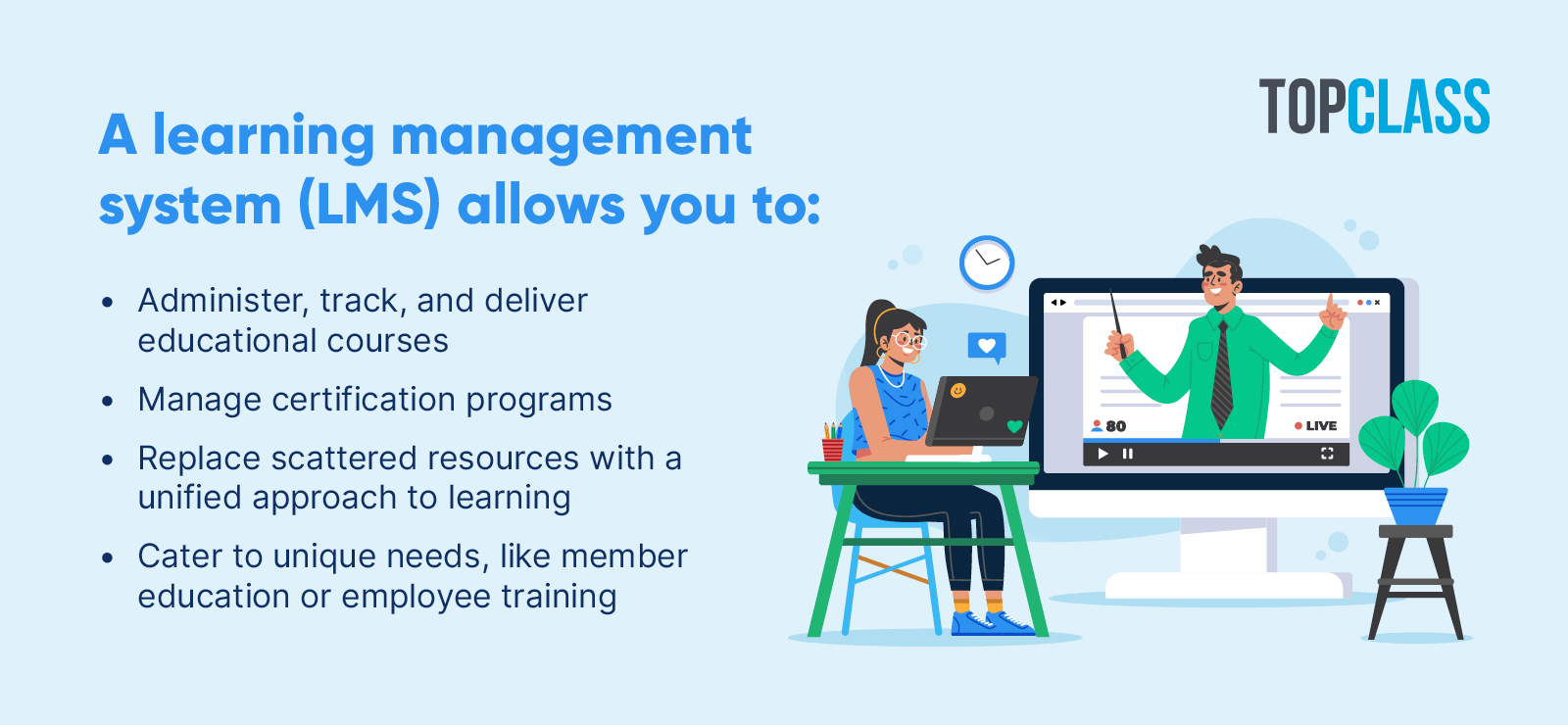
A learning management system is a centralized platform used to administer, track, and deliver educational courses and certification programs. Implementing the right platform offers a consolidated approach to training, replacing scattered resources with enhanced learning opportunities.
There are a variety of LMS platforms that cater to the unique needs of different types of organizations. While a corporation needs an enterprise LMS designed for employee training, an association needs an LMS designed to deliver continuing education and certification programs that drive non-dues revenue and member retention.
Most LMS platforms charge a base subscription fee, typically structured as either Per Registered User (paying for everyone in the database) or Per Active User (paying only for those who log in that month).
However, the total cost typically exceeds the base price. Remember to budget for these common hidden fees:
Plan for a 3- to 6-month rollout if you choose to implement a new cloud-based LMS. If you're a large company that opts for an on-site LMS, that timeline extends to 6 to 9 months. The final answer depends on factors like the need to migrate legacy content, create new materials, and conduct in-depth security reviews. The most reliable way to determine a timeline is to consult with your specific LMS provider.
To choose the best LMS platform for your organization, don't just read the feature list. Here are the practical criteria you need to evaluate before signing a contract:
Finding the best LMS platform isn't about picking the platform with the most bells and whistles; it's about choosing the one that solves your specific audience's biggest hurdles. Whether you're managing complex member certifications with TopClass or scaling a global enterprise team, the right choice is the one that simplifies the experience for both the admin and the learner. Now that you've narrowed down the field, find your perfect match by booking a few demos and seeing their features in action.
To launch a successful learning program, check out these free resources: