

AI Intelligence
Speed up your workflows

.svg)



Key takeaways:
Choosing a learning management system (LMS) is a highly comprehensive business decision. It fundamentally dictates exactly how your organization will deliver its mission, provide critical professional development opportunities, and engage your learners. Because of this, you need to navigate the purchasing process carefully.
To help you choose the best LMS for your organization, we’ll cover the following steps and topics:
Taking the evaluation process seriously is essential because purchasing an LMS is a vital strategic investment. Think of it this way: proper evaluation prevents frustration and wasted revenue down the line. Without further ado, let’s dive into how to choose an LMS for your organization!

To choose an LMS that fits your needs, start by defining who your learners are and what business outcomes the training intends to achieve. Research by Capterra found that 54% of satisfied LMS buyers defined clear goals before browsing vendors, compared to just 44% of disappointed ones. Failing to map user profiles and educational goals early leads to poor adoption rates, disjointed tech stacks, and a platform that fails to serve your core mission. Strategy dictates platform success.
Here are some common use cases for an LMS:
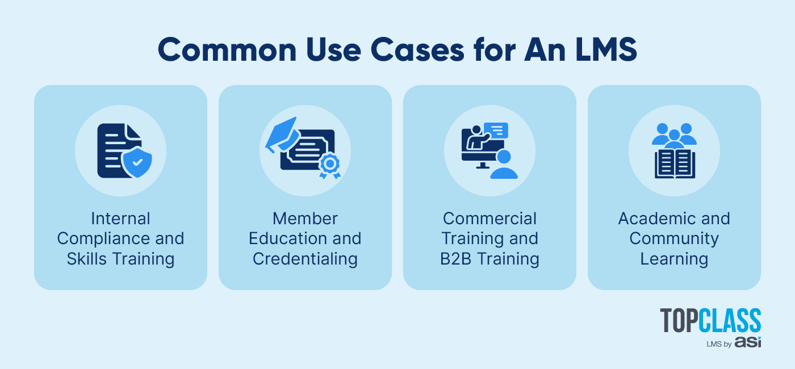
Understanding who will use your LMS will also empower you to launch highly targeted marketing campaigns for your courses down the line. You’ll also be able to outline performance metrics, helping you proactively adjust course difficulty and delivery methods based on learner engagement.
Choosing an LMS requires internal buy-in. A solid business case gets all your major departments on the same page before you ever sign a contract. Whether you’re presenting to the board of directors or a skeptical CFO, keep these crucial elements in mind to secure their buy-in:
A strong business case succeeds only if it resonates with the people reviewing it. To win widespread support, translate your overarching goals into the specific priorities of each individual department, such as:
Pro Tip: Appointing a dedicated internal software champion dramatically improves cross-departmental communication during the LMS purchasing cycle. This specific leader acts as a central resource for all stakeholder concerns, keeping the project moving swiftly forward.
A successful LMS selection process begins with collecting and analyzing requirements, so you can effectively map critical features vs. nice-to-haves before narrowing down your choices. Given that Capterra found that 45% of buyers regretted a recent software purchase due to feature mismatches, prioritizing effective functionality ensures your platform meets your current needs, reduces administrative friction, and scales over time.
Let’s explore some must-have features to look for in a strong platform.
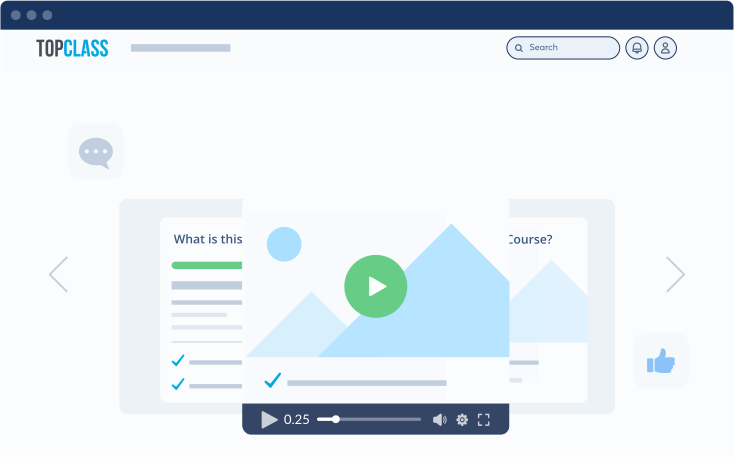
Incorporate interactive elements directly into your course videos to transform passive watching into active participation. Look for features such as:
These interactive layers boost engagement and prevent learners from letting videos simply run in the background. By requiring active input to progress, these elements maintain intense focus throughout the session, dramatically improving knowledge retention and overall completion rates.
Check that you can design automated, step-by-step tracks tailored to specific professional roles or member tiers. By organizing documents, videos, and webinars into logical, multi-step learning paths natively within the platform, you can guide users through a highly structured educational journey.
For example, TopClass excels at recommending subsequent courses based on completed modules or designated career tracks, ensuring learners always know what they need to study next.
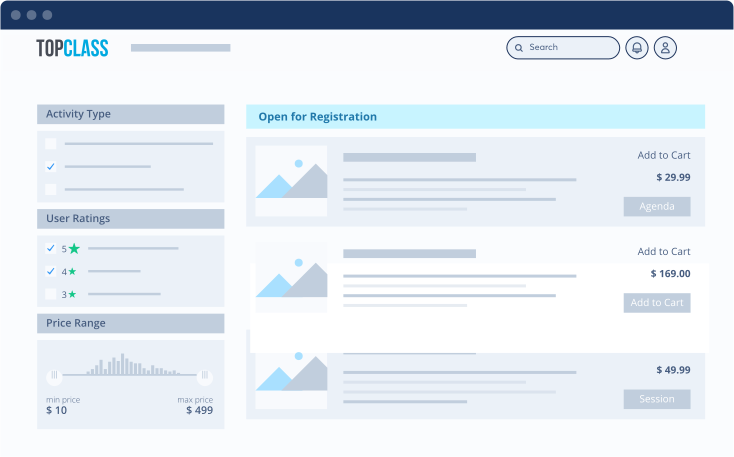
A seamless experience reduces friction and encourages learners to keep returning to their educational materials. For example, TopClass provides an intuitive hub where users can instantly track active enrollments, view personalized recommendations, and download earned certificates.
Behind the scenes, the e-commerce engine supports complex business rules. It integrates directly with your external database to automatically serve distinct prices, discounts, or promotional bundles based on a user's membership tier or corporate affiliation, making it incredibly easy for learners to access the right content at the right price.
Encourage friendly competition and keep learning momentum high with features such as:
Behavioral rewards drive massive shifts in participation among adult learners by offering clear, visible validation of their educational milestones. Research into gamification found that 83% of employees who receive gamified training feel motivated at work.
Achievements are particularly effective at nudging users through dense compliance or technical training tracks that might otherwise suffer from low completion rates.
Shared experiences build professional networks and deepen subject comprehension. So, during your LMS search, look for connections to dedicated online association communities (like Higher Logic) that allow user profiles and completion milestones to sync seamlessly.
You can facilitate peer-to-peer motivation by embedding social discussion boards and chat rooms directly alongside specific training content. This is exceptionally powerful for cohort-based learning, allowing users to progress through educational material together and discuss concepts in real-time.
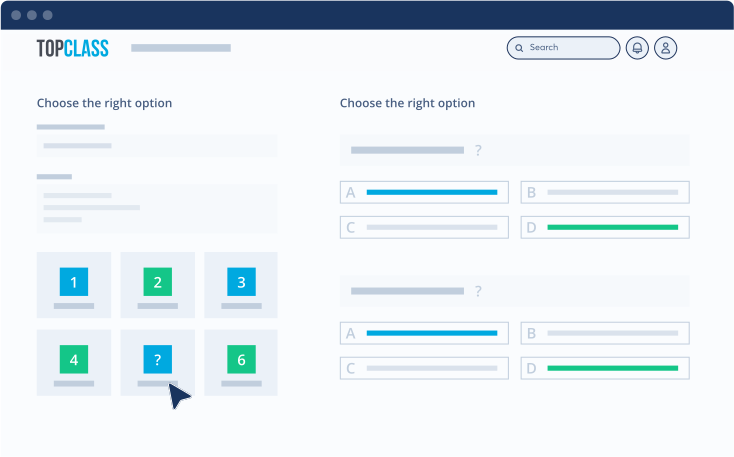
Track comprehension by deploying assessments such as:
These features are especially important if you’ll be awarding certifications. Frequent dynamic testing rigorously validates the effectiveness of your courses and instructional design methods. Eliminate manual grading tasks for instructors by setting up automated grading to provide instant feedback.
Because highly interactive or animated training is typically built using external authoring software, your LMS must maintain total compliance with industry standards like SCORM and xAPI. This ensures that any rich, externally built multimedia courseware can be imported flawlessly without losing crucial interactive tracking data. Ultimately, this standardization protects your content investments while giving you the flexibility to build however you choose.
Removing language barriers is critical for global educational reach, so make sure the LMS you choose allows you to localize both the user interface and the course delivery options into multiple languages. Providing native language options dramatically increases accessibility, ensuring that international professionals receive the exact same quality of education and support as domestic learners.
Data is your most valuable digital asset in the modern professional landscape. Check that your LMS platform uses enterprise-grade encryption protocols and strict operational baselines to protect sensitive user data, educational records, and payment information. By implementing role-based permissions, you safeguard sensitive administrative data and prevent accidental system changes, ensuring a stable and secure learning environment.
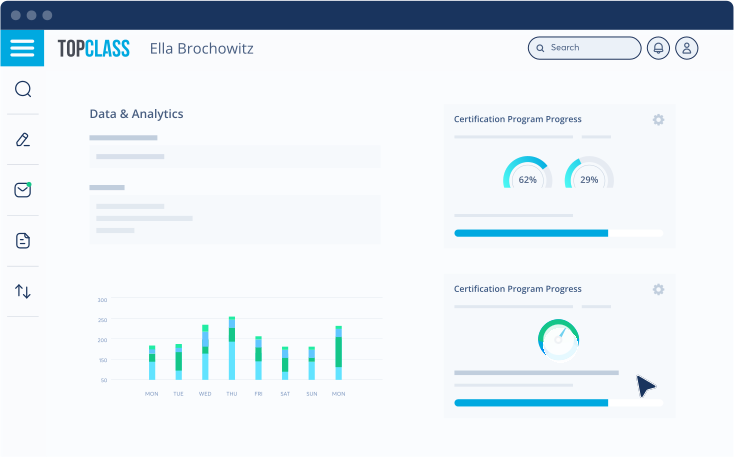
Hard data proves the educational value of your programming. Ensure admins can generate automated data reports on student enrollment, progress, and assessment scores. Clear visual data illuminates hidden operational trends affecting your educational programming and revenue. Plus, secure, automated audit trails make it simple to demonstrate training ROI to leadership and easily verify educational completions for external accrediting bodies.
Prioritize real-time, two-way integration bridges that keep your LMS flawlessly in sync with your constituent relationship management (CRM) platform, association management system (AMS), engagement management system (EMS), and online community. This capability eliminates the need to manually update member profiles with course completions. Plus, it enables SSO, so members can navigate seamlessly between your member portal, LMS, and online community.
Managing complex CEU rules manually drains administrative resources and frustrates adult learners. Choose an LMS that automates credential tracking and certificate issuance to reduce friction. Your system should notify users when their certifications are about to expire, helping busy professionals maintain their required industry compliances without needing manual administrative intervention.
Interviews with prospective providers help to uncover operational limits and hidden infrastructure costs before choosing an LMS and finalizing a contract. During vendor demonstrations, make sure to ask direct questions like:
In addition to looking at reviews on websites like G2 or Capterra, request references from current clients with similar association models or user volumes. Speaking directly to existing customers quickly reveals exactly how the vendor handles emergency support tickets and unexpected platform downtime.
To calculate your true TCO before choosing an LMS, tally the implementation fees, licensing structure, and internal administrative labor hours. Be vigilant about hidden expenses, which usually lurk in premium customer support tiers, data storage overages, or mandatory third-party plugins required to make the system work for your specific needs. Ask vendors for a detailed three-year financial projection up front to prevent surprise budget overruns down the road.
Open-source systems carry hidden costs for initial customization, web hosting, data storage, and mandatory third-party security plugins. More importantly, they require your organization to dedicate internal IT resources to patching security vulnerabilities and fixing broken workflows after core software updates. Purpose-built platforms provide out-of-the-box stability. Because the vendor handles the infrastructure, updates, and integrations, their dedicated support teams can resolve issues rapidly—saving your staff hours of technical troubleshooting.
Establish a strict requirements-gathering matrix before booking vendor demos. Document your non-negotiable operational workflows (such as complex CE credit calculation rules, direct AMS synchronization, and dynamic e-commerce) and separate them entirely from secondary nice-to-haves like custom themes or advanced gamification mechanics. If a vendor cannot execute your core workflows natively, the extra features are irrelevant.
Data integration failure is the largest risk during implementation. Recent buying trends show that 61% of buyers experienced unexpected implementation disruptions, primarily due to integration issues. If your LMS cannot communicate with your core CRM or AMS in real time, your staff will be buried in manual data entry. Ensure vendors demonstrate true, two-way integration capabilities and native SSO. This ensures that when a member updates their profile, purchases a course, or earns a certification, that data transfers instantly across your entire ecosystem without human intervention.
Organizations should ideally begin their search 6 to 9 months before their target launch date. This window provides adequate time for formal requirements gathering, vendor shortlisting, sandbox testing, contract negotiations, data migration, system testing, and staff onboarding. Rushing this timeline can compromise technical requirements and lead to poor user adoption.
A lot of research and thought go into choosing an LMS for your organization. To get started, think about the purpose of this type of platform, who will use it, and which features are essential to fulfill those needs. Remember, purpose-built software (like TopClass) consistently provides financial predictability and ongoing technical support over generic LMSs or open-source setups.
Review these deep-dive resources to guide your final decision: