
TopClass LMS Features
All-In-One LMS
.svg)


Learning plays an essential role across all areas of your organization. Effective training teaches new volunteers and staff about your mission, procedures, and strategic goals. For nonprofits that deliver public education, it is the primary vehicle for the impact you make in the world.
To turn institutional knowledge into a scalable asset, more organizations are turning to a dedicated learning management system (LMS) for nonprofits.
By centralizing your training within a specialized nonprofit LMS, you can ensure your team stays aligned and your mission stays on track. This playbook explores how to identify the best platform to honor your organization’s unique culture while driving measurable results. Here’s what you’ll learn:
The nonprofit sector is constantly evolving to meet changing community needs. By investing in an LMS, you ensure that your organization is equipped with the latest skills and tools to seize new opportunities, overcome challenges, and thrive in the long run.

A learning management system (LMS) for nonprofits is a specialized digital platform used to host, deliver, and track educational content for staff, volunteers, and the public. It includes built-in tools to design interactive course content, track participation, and automate the reporting needed to prove impact to stakeholders and ensure compliance.
Unlike corporate tools, a nonprofit LMS is designed to handle the unique complexities of mission-driven organizations, such as managing volunteer onboarding and raising funds through public-facing educational programs.
Common ways nonprofits use an LMS include the following:
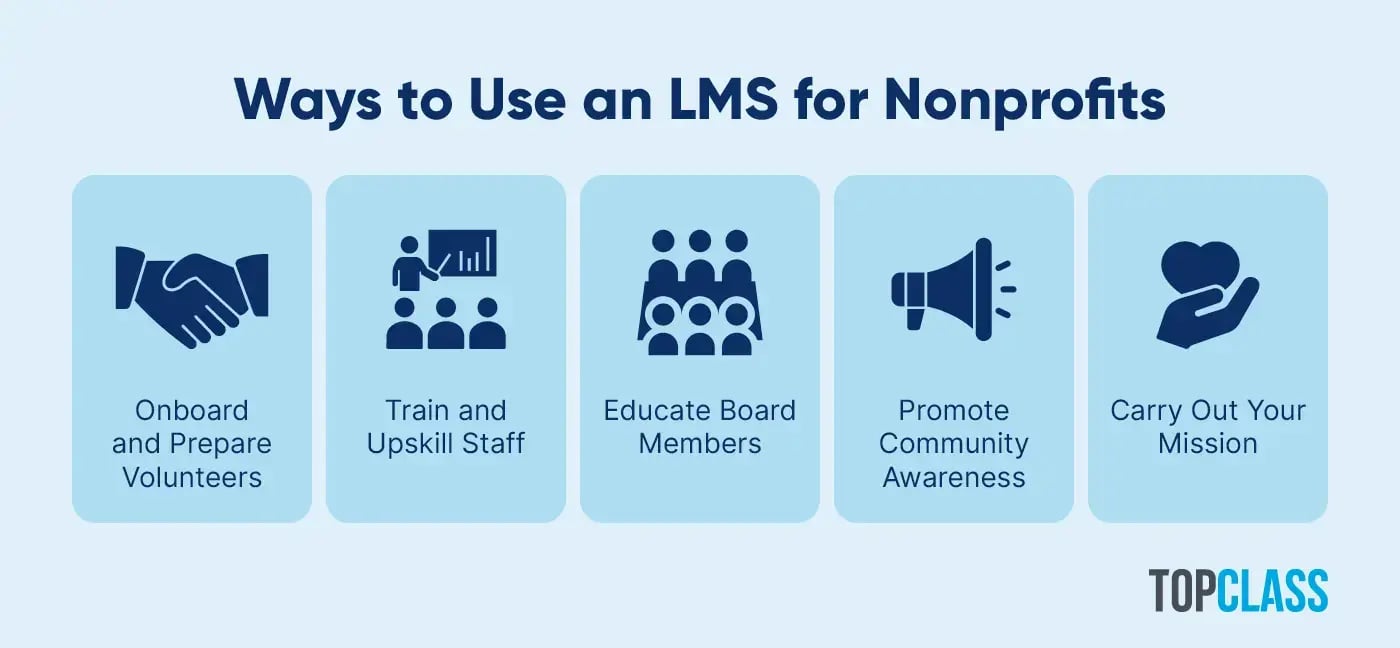
Your nonprofit can use an LMS to:
Onboard and prepare volunteers. Introduce new volunteers to your organization with basic educational modules on your mission, values, and programs. Create custom courses for specific roles, such as leadership training for project coordinators.
Train and upskill staff members. The WEF Future of Jobs Report found that around 60% of workers will require retraining by 2030. However, 11 would be unlikely to receive the reskilling or upskilling needed. Help your staff advance their abilities with personalized learning journeys, and encourage peer support through discussion forums and social sharing.
Educate board members. According to NP Tech’s 2025 Board Effectiveness Survey, boards view about 36% of their members as ineffective. Empower your board members to take action with actionable courses on fundraising and governance.
Promote community awareness. Bring more attention to your cause through public-access online courses. For example, an environmental conservation nonprofit might offer a class on sustainable living, while a mental health nonprofit might have classes on stress management and positive thinking.
Carry out your mission. For instance, an organization promoting youth literacy could use a nonprofit LMS to provide young students with online reading activities, such as interactive quizzes. A nonprofit that helps people who were formerly incarcerated find employment could share courses related to resume writing and interview preparation.
For example, the American Institute of Chemical Engineers (AIChE) is a nonprofit that provides learning opportunities for chemical engineers worldwide. AIChE uses an LMS to offer a variety of safety courses, group training, webinars, and more to its members. Thanks to AIChE’s LMS, the organization is able to provide seamless learning experiences to its community members and track engagement to identify how to improve its offerings over time.
Implementing a nonprofit LMS is more than a tech upgrade—it is a commitment to organizational resilience. By centralizing your knowledge, you can achieve:
When knowledge is no longer scattered across emails and spreadsheets, your organization moves as one. This centralization is all about ensuring that your mission’s DNA remains identical at every touchpoint, regardless of how far your reach extends.
LMS options exist for all types of organizations, from associations to companies to nonprofits. While the online learning platform you choose will ultimately depend on your specific goals and needs, a leading LMS should come with these essential features:
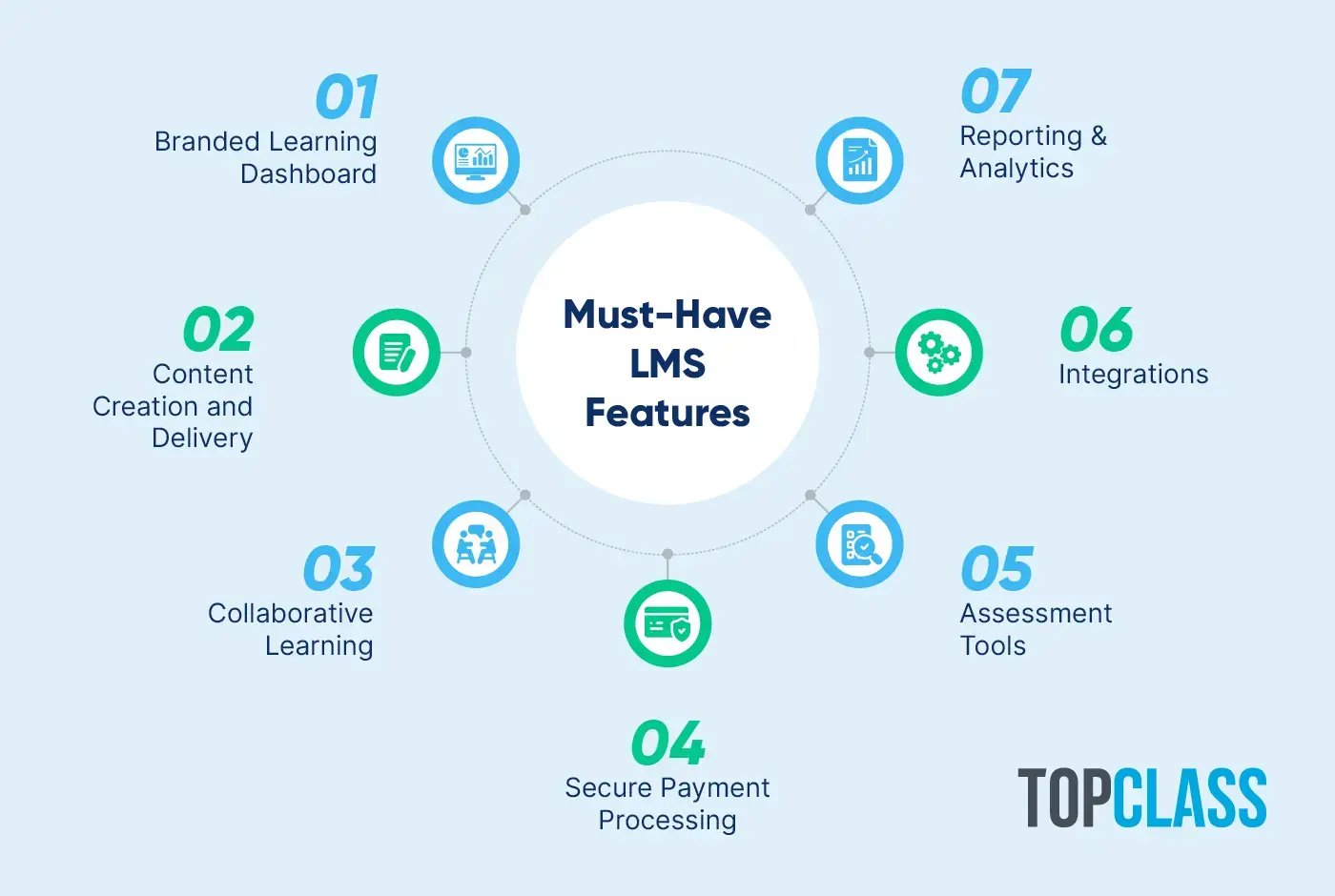
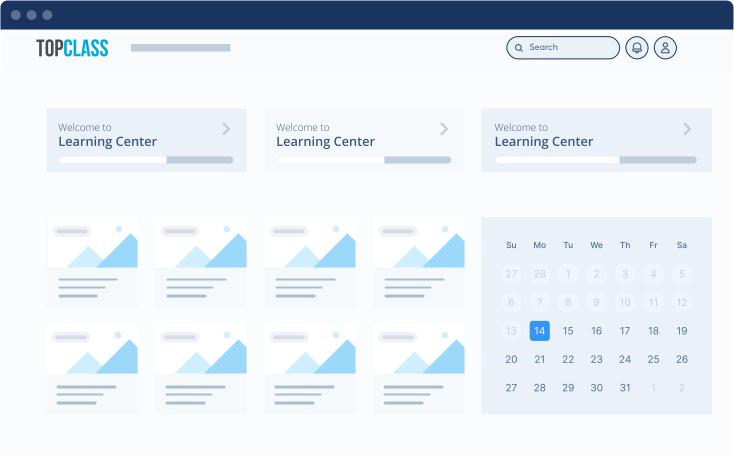
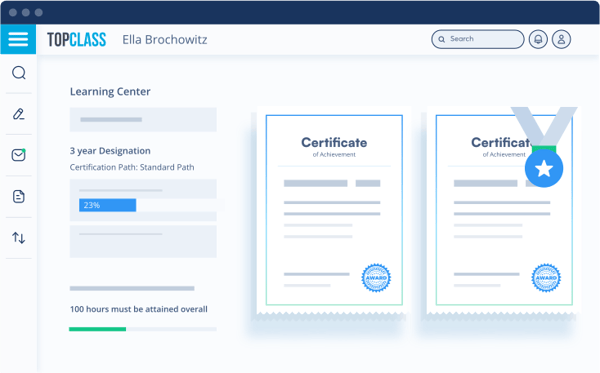
A learning dashboard acts as a personal hub that each learner can use to:
Explore relevant courses
Track learning progress
View certifications, badges, and achievements
You should be able to customize the dashboard’s appearance with elements of your nonprofit’s branding—including your logo, colors, and typography—to create a consistent and professional visual experience for learners.
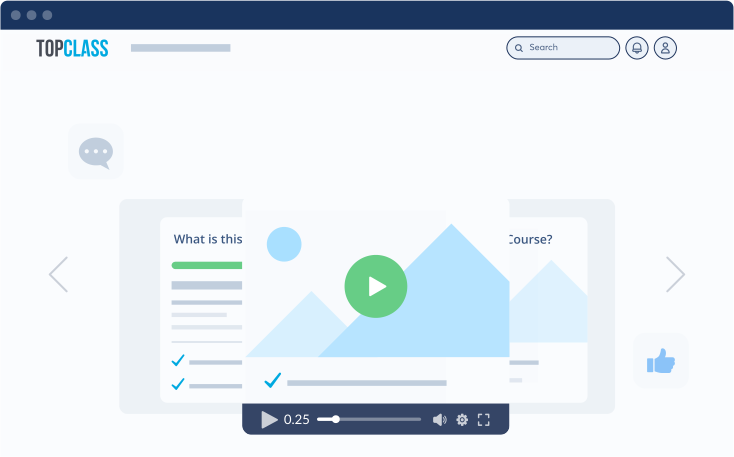
Your LMS should accommodate a wide range of content types to appeal to varying learning preferences and boost engagement with your educational offerings. For example, you might want to create:
Conferences
Webinars
Interactive videos
Timed assessments
With an LMS that supports eLearning standards such as SCORM and AICC, you can import pre-built courses and ensure that your educational materials are viable across devices and platforms.
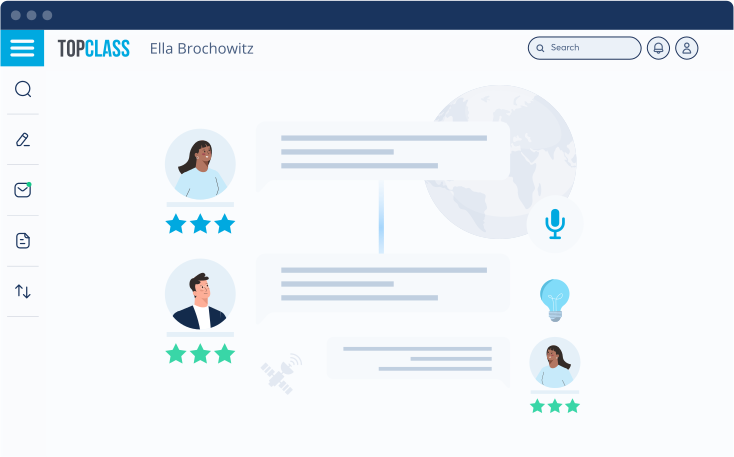
You know the importance of community building to your nonprofit, so look for a nonprofit LMS that helps you strengthen connections around your mission. You should be able to encourage interaction through collaborative features and gamification tools such as:
You can even create a mentorship program by pairing learners with more experienced members or volunteers of your organization in one-on-one discussion sessions.
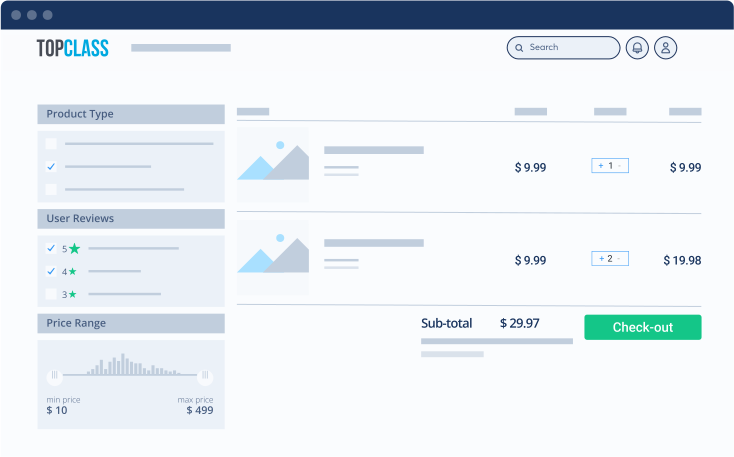
If your nonprofit plans to fundraise with its learning opportunities and certification programs, consider each platform’s payment processing capabilities. The best LMS for nonprofits should support pricing with:
Multiple currencies
Discounts
Coupons
Promotional bundles
With a built-in shopping cart, learners can make purchases directly through the platform and jump straight into your content without leaving the website.
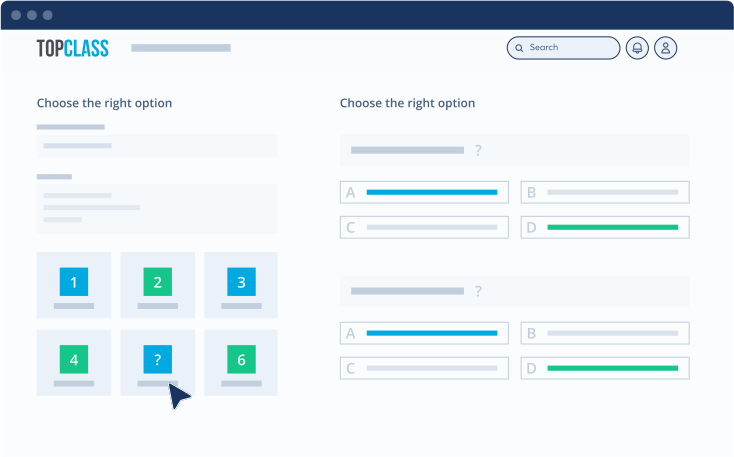
Assessments allow you to measure how well each learner has understood and retained the material in a course or certification path. You should be able to include various types of questions to determine whether learners have achieved their learning objectives, including:
True/false
Multiple choice
Free-form
Fill in the blank
Look for opportunities to incorporate mini-assessments at the beginning and throughout your courses. Doing so provides a clearer picture of each learner’s progress and helps you identify any learning gaps that you need to address.
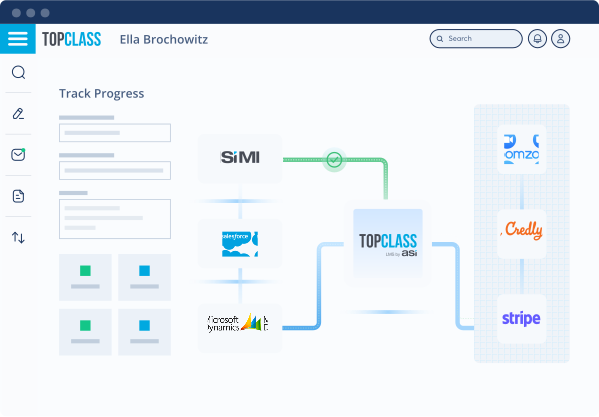
Look for a nonprofit LMS that integrates with your existing tools to create a seamless experience for both your learning program administrators and learners. For example, check for integration capabilities with:
Your CRM, such as Salesforce
Video conferencing platforms, including Zoom
Credit card payment processors, such as Stripe
Collaboration software, like Microsoft Teams
By integrating your nonprofit’s online learning platform with your CRM, you can automatically populate your database with information about your courses and learners, reducing manual data entry.
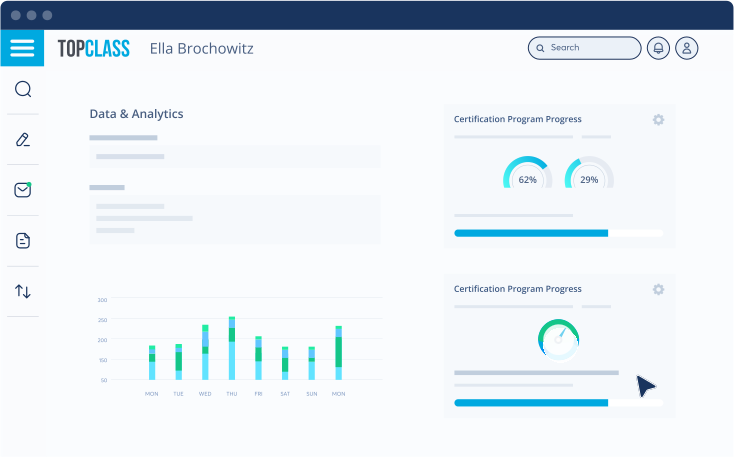
When providing learning opportunities to your nonprofit’s community, you’ll want to answer questions such as, “How engaging are our learning courses?” and “How can we improve our courses to provide a better learning experience?” Your LMS should provide insights into these questions by tracking and analyzing data such as:
Some LMSs for nonprofits allow you to query any data stored on the platform in automatically generated reports, so you can zero in on the exact information you need.
Now that you understand how an LMS can benefit your nonprofit and the key features you should seek, it’s time to search for the right solution for your organization. Use these steps to guide your decision-making and pick the best LMS for your organization:
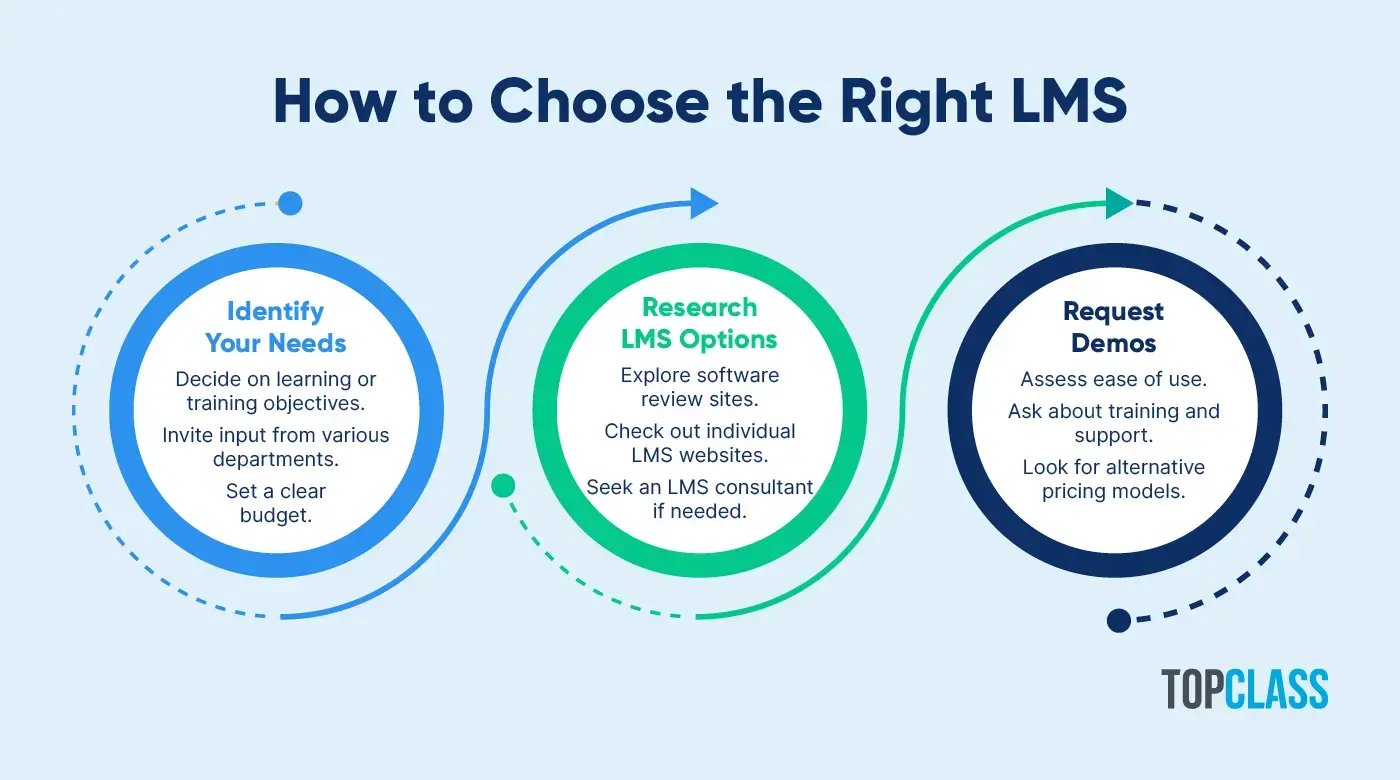
Your selection should be driven by your intended users—whether staff, volunteers, or beneficiaries—and balanced against your budget, technical resources, and need for customization. To find the right fit, start by defining your objectives with input from across your organization:
Once your goals are set, evaluate the "true cost" of your options. While open-source solutions lack licensing fees, they often require significant internal IT resources or expensive consultants to maintain. Conversely, purpose-built nonprofit LMS platforms involve a license fee but provide the expert support, security updates, and specialized features you need to grow without constant technical overhead.
After clarifying your priorities and budget, start compiling a list of potential LMS options for your nonprofit. Explore resources such as:
Individual nonprofit LMS websites
Nonprofit consultants with an in-depth understanding of LMS providers
Explore user reviews and case studies to understand each platform’s strengths and shortcomings. Consider reaching out to peers at other nonprofits to see if they have LMS recommendations based on their personal experiences.
Narrow your list down to a few top picks and request demos to learn more about each nonprofit LMS. Prepare specific questions for each vendor related to:
Take this opportunity to assess the platform’s ease of use and the level of support and training provided. Ask the vendor to send a demo recording that you can re-watch with your decision-making team.
Then, compare the best LMSs for nonprofits side by side to decide which is the best fit for your organization’s needs and budget. If paying upfront license fees is challenging for your organization, check if the vendor has alternative pricing models, such as “pay as you go” or “per course enrollment,” that provide more flexibility for your budget.
No matter your nonprofit’s goals, TopClass LMS has the tools to help you deliver top-notch learning experiences to your entire community. As an award-winning learning platform, TopClass has continually improved over nearly 30 years to enhance education, facilitate collaborative learning, and open up new revenue streams for organizations like yours.
Organizations in 23 countries worldwide use TopClass to:
Assemble detailed course catalogs with filter and search options.
Sell training courses and certification programs.
Configure and manage certifications, digital badges, and micro-credentials.
Build an online community through discussion forums and social sharing.
Generate custom, advanced reports to improve their educational programs.
With TopClass LMS, organizations have experienced a 64% increase in revenue and a 90% decrease in support calls. If your nonprofit is ready to implement a streamlined, accessible, and engaging learning program, reach out to the TopClass team to learn more!
Ultimately, your nonprofit’s LMS should make it easy for you to provide educational content that meets learners’ needs and fulfills your organization’s training objectives. Once your learning program is up and running, collect continuous feedback through polls and surveys to look for improvement opportunities. As long as you stay tuned into your learners' experiences and leverage the latest LMS tools, you’ll be able to enrich and engage them with ease.
If you’re interested in diving deeper into the world of learning management systems, check out these additional resources: