

TopClass LMS Features
All-In-One LMS
.svg)



Imagine a learning program that fits perfectly into your members’ busy lives—one that’s ready whenever they are, yet still feels personalized, vibrant, and impactful.
This is the potential of asynchronous online courses. For associations and nonprofits, self-paced learning is a powerful way to scale your mission, create a strong value proposition, and provide equitable access to education for every member, regardless of their time zone or schedule.
The best part? Self-paced doesn’t have to mean “learning alone.” By embracing modern design strategies, you can transform static content into an inspiring journey. If you want to learn how to make online courses engaging for your members, you’re in the right place. Here’s what we’ll cover:
Whether you are looking to revitalize a legacy program or launch a brand-new learning center, the strategies below will help you create courses that members actually complete. Let’s get started by defining exactly what asynchronous learning is.

Asynchronous online courses are educational experiences where learners, instructors, and peers engage with educational content at different times. Instead of attending live webinars, learners log into a learning management system (LMS) to access pre-recorded videos, readings, and interactive modules. Along with hosting content, LMSs act as the “digital classroom,” facilitating engagement through discussion boards and automated feedback rather than live dialogue.
For associations, asynchronous courses typically fall into two categories: completely self-paced "evergreen" modules or cohort-based programs with weekly milestones but no set meeting hours. The defining characteristic is that the learner controls when the learning happens, independent of an instructor’s schedule.
The primary strength of asynchronous online learning lies in its ability to respect the learner’s time and needs. By decoupling the learning process from a specific clock or calendar, you empower members to engage with content when they are most alert, motivated, and ready to absorb new information. This shift moves the metric of success from simple attendance to comprehension and mastery.
Here are a few ways this format drives better outcomes:
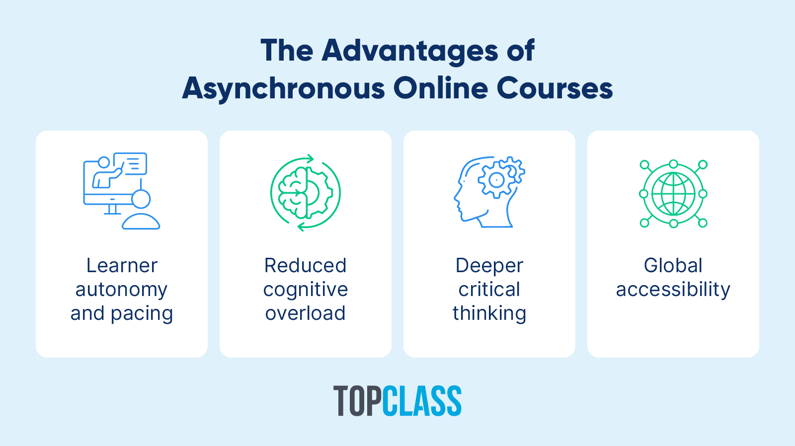
Ultimately, asynchronous learning transforms professional development from a logistical challenge into a sustainable habit.
While asynchronous learning’s flexibility is its greatest asset, removing the structure of a live classroom shifts the burden of motivation entirely onto the learner. This causes challenges like:
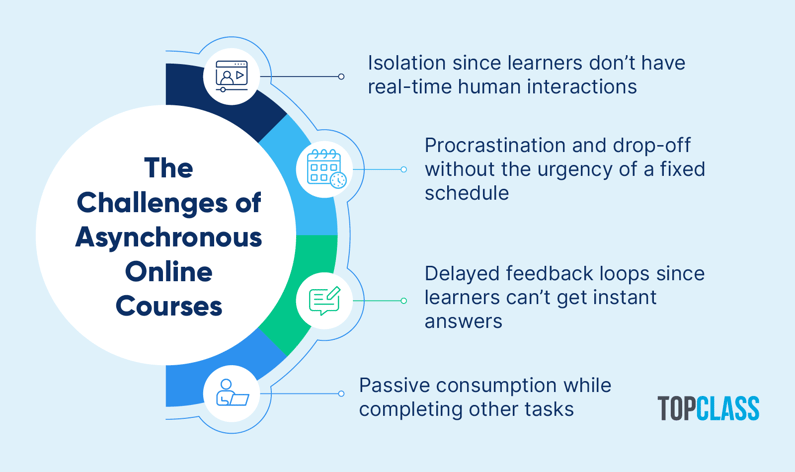
Asynchronous courses are usually a passive solo learning experience. Without group activities, they provide fewer opportunities to recall, apply, and retain new information.
Luckily, these obstacles aren’t insurmountable failures of the format. Instead, they are simply design challenges. By recognizing these pitfalls early, you can implement specific activities for asynchronous learning to improve connection and accountability in your self-paced programs.

Make your on-demand courses more enjoyable, engaging, and effective for learners by building interactive activities into your instructional design. Because the following activities break up the passive reading or watching experience, learners can switch gears, process new information, and refocus.
A pre-course self-assessment provides a baseline for what learners know at the start of the course. If they take the same assessment at the end of the course, they can see how far they’ve progressed.
Allow learners to take a self-assessment to test out of certain modules. Self-assessments also preview course content, similar to activity #11 on our list.
The biggest challenge when taking an asynchronous online course is holding yourself accountable. Ask learners if they’d like to be matched with someone who’s taking the course at the same time or taking a similar course. They can help each other stay on track. Provide a sample accountability guide with best practices and discussion topics.
If many learners are taking the same course at once, ask if they’d like to join a small cohort of peers who meet every few weeks online to discuss the content and their progress. You could also create a private discussion forum (activity #5) for these groups.
Case studies and hypothetical scenarios give learners the opportunity to apply what they’re learning to real-world situations. For instance, in a legal ethics course, you might describe a scenario where an attorney must navigate a potential conflict of interest between a new and former client.
After providing the scenario, include guiding questions, such as:
When the case study is complete, the learner watches a video with the instructor’s interpretation or interpretations by people with different perspectives and solutions. This combination of independent analysis and expert review makes case studies a high-impact activity for asynchronous learning.
Ask the learner to critique a third-party document or theory to test their judgment. For example, provide a sample strategic plan and ask them to identify three risks based on the course material. This moves them from memorizing facts to thinking critically.
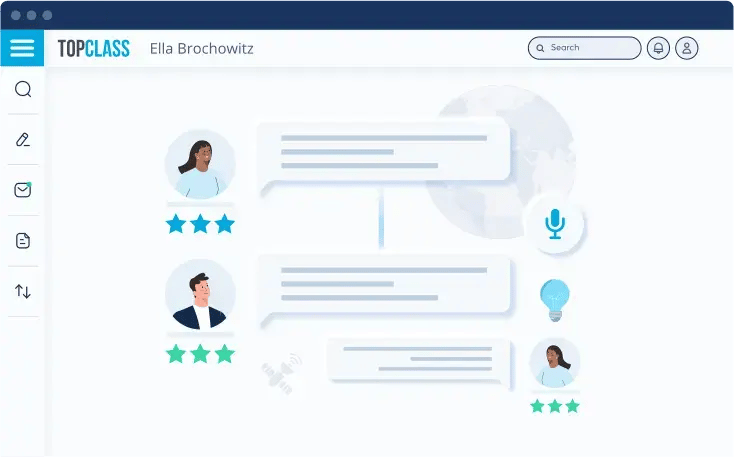
Asynchronous learners are usually alone in their learning journey. If others are taking the same or similar course, set up a private discussion forum for them. Seed it with questions. Although they may not all be going through the course simultaneously, they can still engage with others studying the same material.
Give learners a few opportunities during each asynchronous online course to provide feedback on the user experience, such as the clarity of instructions or the relevance of a specific module. At the end of the course, allow them to review all of their comments to see if their perspective has changed or if they have new suggestions.
Providing visual thinking tools helps learners organize and analyze new information. Consider providing the following in your asynchronous online courses:
By breaking up texts with visuals, you make complex information more digestible and increase the likelihood of retention. Plus, visuals are easy to download or screenshot for learners to quickly reference and recall information later.
Listening to the same instructor for an entire course is monotonous. Mix it up with guest speakers, interviews with experts, and talk show formats. Ideally, the learner hears different perspectives from a diverse mix of practitioners.
Note-taking enhances comprehension, and how learners take notes matters. One study found that handwritten notes show a stronger association with memory and processing speed than digital alternatives. To encourage learners to follow that best practice, provide a note-taking template that they can print out and follow while reading or viewing content.
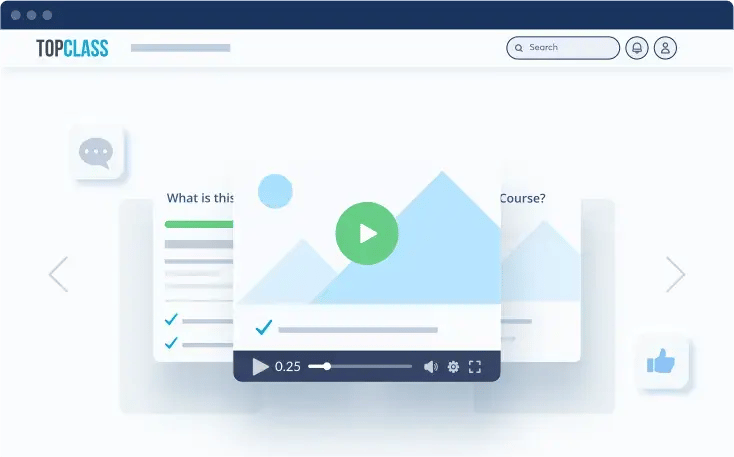
Transform passive watching into active participation by embedding interactions directly into your video content. Instead of just pressing play, learners must engage with the screen to progress.
You might add:
This ensures learners are mentally present rather than just letting the video run in the background. TopClass makes it easy to add interactive video content like this to your asynchronous online courses.
An anticipation guide lists key points and terms, reflection questions, fill-in-the-blank exercises, and true-or-false statements about the lesson’s content. Use the guide to activate a learner’s prior knowledge and preview the lesson. Make it printable so they can use it to take notes.
Asynchronous online learning doesn’t have to be anti-social. Schedule optional meetups to bridge the gap between self-paced study and community connection. Here’s what that might look like:
These live touchpoints combat learner isolation while preserving the flexibility of the asynchronous format. Ultimately, they transform a standard course into a vibrant networking opportunity that connects members to their professional community.
Break course content into small, digestible chunks. Bite-sized microlearning content is easier for learners to retain and fit into their busy lives.
For example, instead of a single 60-minute lecture on “Project Management,” create six 10-minute videos covering specific phases like “Initiation” or “Risk Assessment.” This approach respects the cognitive load of your members and allows them to find quick answers to specific problems without scrubbing through an hour-long recording.
The same format repeated over and over can become monotonous and bore learners. Keep learners stimulated by changing up your format. As part of your asynchronous online courses, you might have learners:
Varying the formatting creates a richer, more dynamic learning environment. Different formats force the learner’s brain to stay active and adapt, which leads to significantly higher engagement and retention rates.
Since learners can’t participate in class discussions where different perspectives are raised, mimic that experience with simulated debates. Share videos of people debating a topic—the more contentious (and memorable) the better.
Ask learners to write about their first reactions, how their opinion changed during debate, and which side they ended up on and why.
Quizzes give learners a break from passive content. They can test their retention and identify where they should go back and review content before moving on. Schedule quizzes every two to three modules so students have the chance to recall what they’ve learned. This is an example of retrieval practice. Include a few questions from earlier modules to test retention.
A private, personal record of their learning experience encourages students to become more aware of their cognitive process. They can record their reflections in an online or analog journey, audio, or video.
• At the start of the course, ask learners to write about their goals, expectations for the course, and challenges they anticipate.
• At the start of each module, ask them to record their prior experiences with or knowledge about the topic, as well as their biases, assumptions, and opinions.
• At the end of each module, ask them to reflect upon what they learned and experienced, and to record their thoughts on the content, assessments, and their ideas and reactions.
• At the end of the course, give them the option of submitting what they feel comfortable sharing as feedback, for example, what didn’t work well, what did, what they’d do differently next time, what they wish had occurred, and how they will apply what they’ve learned.
Ask the learner to contribute content to the list of supplemental resources for your asynchronous online courses. For example, you might ask for blog posts, podcast episodes, videos, or journal articles. Invite them to review and critique one or two of the existing resources.
Search for resources that relate to course content and provide a look behind the scenes. Ask industry vendors for suggestions—a great sponsorship opportunity—or film your own. You can also use these videos to educate people about your members’ industry or profession.
Armed with these ideas for improving online courses, you’re ready to reimagine your learning program. You need a robust technical foundation to bring your vision to life. This is where TopClass LMS shines.
TopClass LMS is purpose-built for associations and nonprofits, designed to handle the unique complexities of professional education from tracking continuing education (CE) credits to managing tiered certification paths.
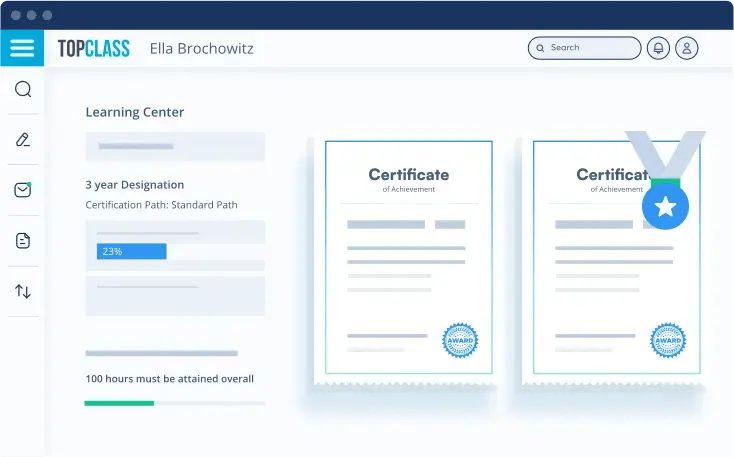
It serves as the engine behind your asynchronous online courses, giving you the flexibility to build:
By choosing TopClass LMS, you ensure that your technology empowers your learning strategy.
Help your asynchronous online courses stand out from the competition by making them engaging, enjoyable, and effective. The activities we explored provide a break from passive consumption, so learners can focus, process, and retain new information.
Remember, choosing the right LMS is the key to bringing your program to life. The right platform will help you provide an enjoyable learning experience that keeps your members interested, connected, and eager to return for the next stage of their professional journey.
Looking for more ideas for improving online courses? Check out these free resources: